
Solutions

Real-World DisplayLink Solutions for Business and IT Teams

MultiDock Tech provides reliable DisplayLink-based docking solutions designed to enable stable, scalable, and cost-effective multi-display setups across Windows and macOS environments.

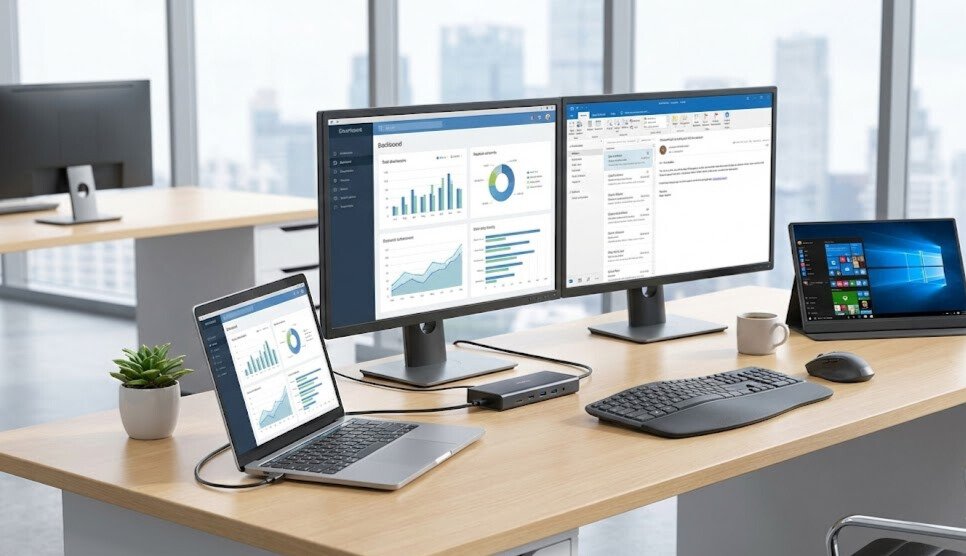
Multi-monitor workstation using a laptop docking station for business and IT teams

Business-Focused Display Solutions

Whether you are supporting remote teams, managing enterprise rollouts, or building modern workstations, our docks help you extend screen space, reduce complexity, and standardize device fleets.

Remote & Hybrid Work

Support distributed teams with consistent multi-monitor workspaces at home and in the office.
IT Deployment & Standardization

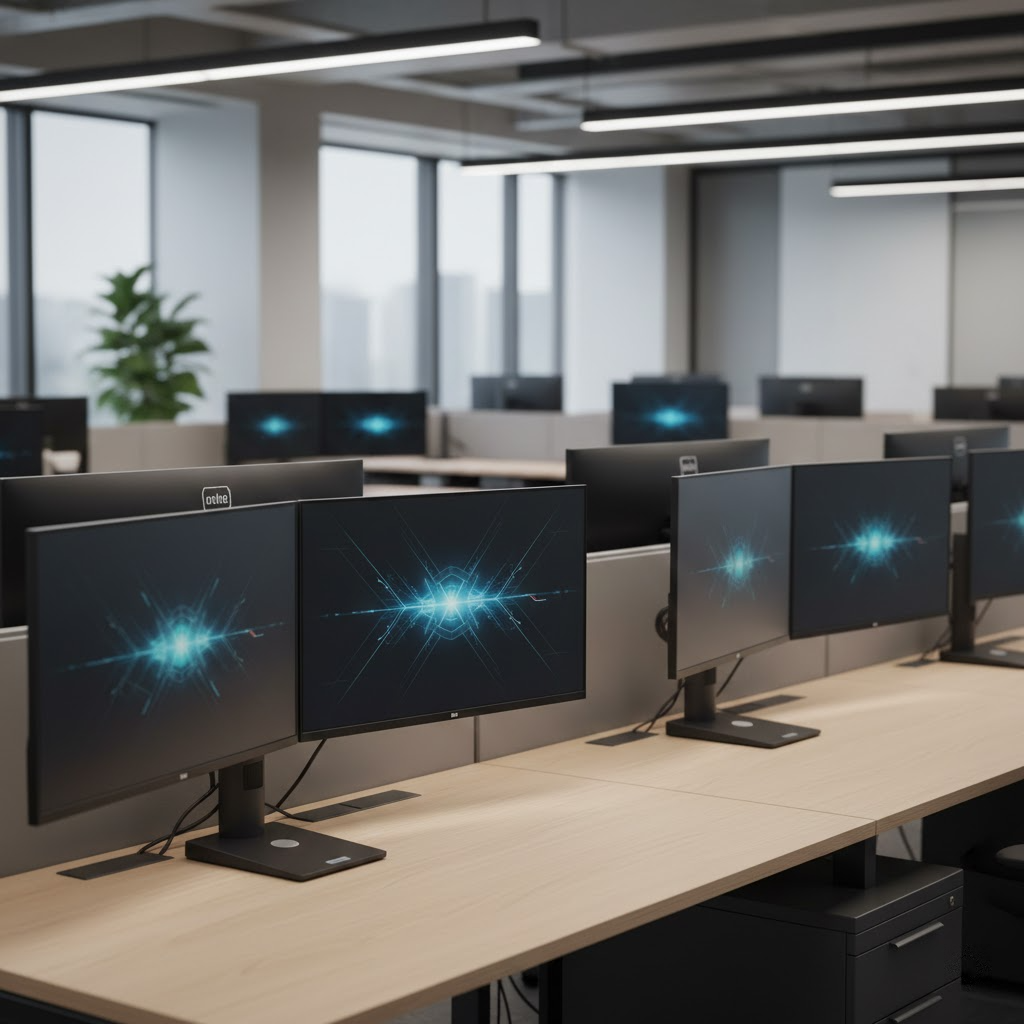
Simplify large-scale rollouts with consistent docking hardware across devices and operating systems.

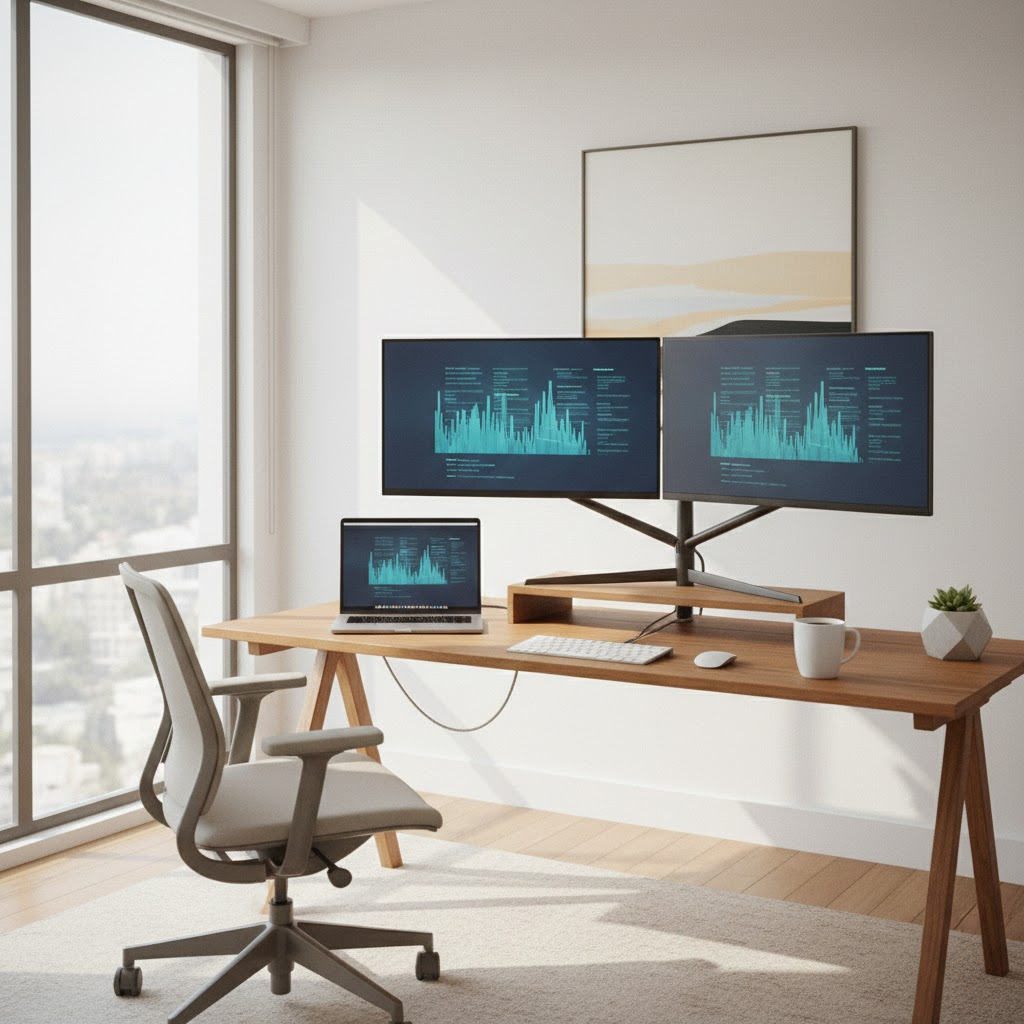
Multi-screen financial monitoring workstation powered by a DisplayLink docking station

Financial Data Monitoring

Enable multi-screen environments for dashboards, reporting, and market monitoring.

Developer workstation with multiple monitors connected through a DisplayLink dock

Software Development & Productivity

Expand screen space for developers, engineers, and technical professionals.

Remote & Hybrid Work Enablement​

Support distributed teams with consistent multi-monitor workspaces at home and in the office.

Typical Use Cases

Key Benefits

Best Scenarios

Recommended Models

  • DL3900 – Cost-effective dual display solution

  • DL6950 – High-resolution dual display solution

Corporate IT Deployment & Device Standardization

Simplify large-scale deployments with consistent docking hardware across device models and operating systems.

Typical Use Cases

Key Benefits

Recommended Models

  • DL3900 – Enterprise-friendly deployment model

  • DL6950 – Performance-tier deployment model

Financial Data Monitoring & Analysis

Enable multi-screen environments for data-heavy workflows such as dashboards, reporting, and market monitoring.

Typical use cases:

  • Market dashboards and reporting terminals

  • Business intelligence and analytics workstations

  • Operations monitoring centers

Important note :
DisplayLink solutions are optimized for data visualization and productivity workflows. They are not intended for ultra-low-latency, GPU-direct, or high-frequency trading systems.


Recommended Models:

  • DL6950 – Dual 4K@60Hz workstations

  • DL3900 – Entry-level multi-screen solution

Software Development & Productivity Workflows

Expand screen space for developers, engineers, and technical professionals working on complex workflows.

Typical use cases:

  • Software development and testing

  • DevOps monitoring and infrastructure dashboards

  • Technical documentation and system administration

Important note:
DisplayLink docking stations are designed for productivity and workflow expansion. They are not recommended as the primary display output for color-critical work, real-time rendering, or high-frame-rate content creation.

Recommended Models:

  • DL3900 – Reliable daily-use multi-screen solution

  • DL6950 – High-resolution workstation setup

Education, Training & Learning Environments

Create scalable, easy-to-manage multi-display setups in classrooms, labs, and training rooms.

Benefits:

  • Lower hardware requirements

  • Easier device replacement and upgrades

  • Simplified IT support and maintenance

Operations, Command & Monitoring Centers

Support control rooms and monitoring stations that require multiple displays for operational visibility.

Important note:
DisplayLink technology is suitable for monitoring and information display workflows. It is not designed for real-time video surveillance systems requiring hardware-accelerated decoding or frame-accurate playback.

Technical Transparency & Performance Boundaries

DisplayLink is ideal for:

  • Office productivity

  • Multi-display information workflows

  • Cross-platform IT standardization

  • Cost-effective multi-monitor expansion

DisplayLink is not designed for:

  • Gaming or high-frame-rate applications

  • Color-critical professional video production

  • GPU-direct rendering workflows

  • Ultra-low-latency or real-time trading systems

Not sure which solution fits your environment?

Our team is happy to provide pre-sales consultation and deployment guidance.

Scroll to Top